macOS
For Macs with Apple silicon or Intel processors.
Loading available downloads…
Open the DMG file, drag Throughplan into Applications and open it.
Desktop app
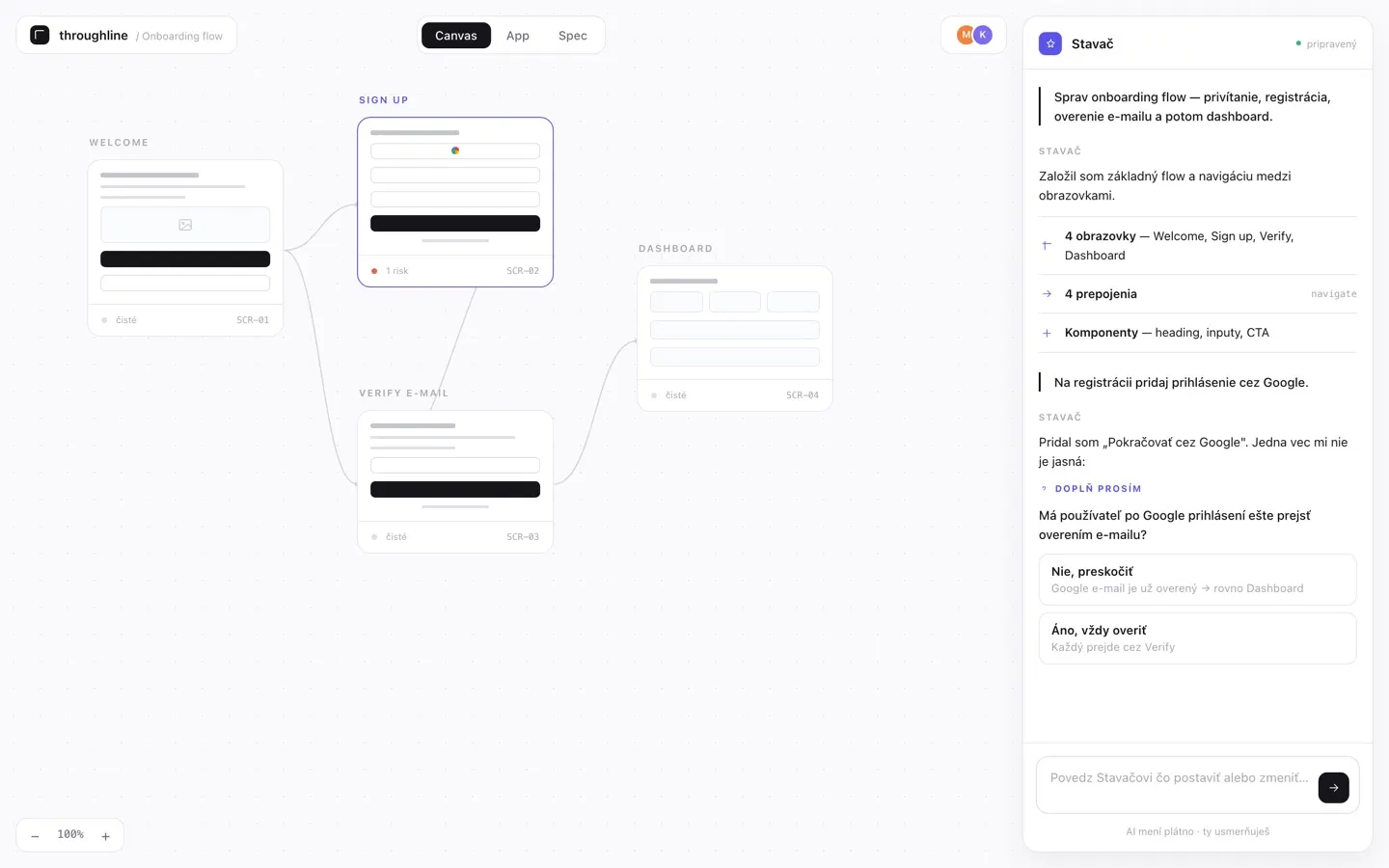
Create screens and run AI analyses in the desktop app using your own AI subscription. Share projects and collect feedback on the web.
Loading available downloads…
For Macs with Apple silicon or Intel processors.
Loading available downloads…
Open the DMG file, drag Throughplan into Applications and open it.
Install with the setup wizard.
Loading available downloads…
Run the installer, then open Throughplan from the Start menu.
Choose DEB, RPM or AppImage.
Loading available downloads…
Install the DEB or RPM package. For AppImage, allow the file to run as a program and open it.
Download the version for your system, install it and open it once.
Sign in, open a project and click Open in builder. Allow the browser to open the desktop app.
If the desktop app asks, sign in there with the same account. Your project will load and you can start editing.
Open the installed app manually, then return to your web project and click Open in builder again. Use the download from the same site where you manage your projects.